TESERCOM HELP

Remote support for your company.

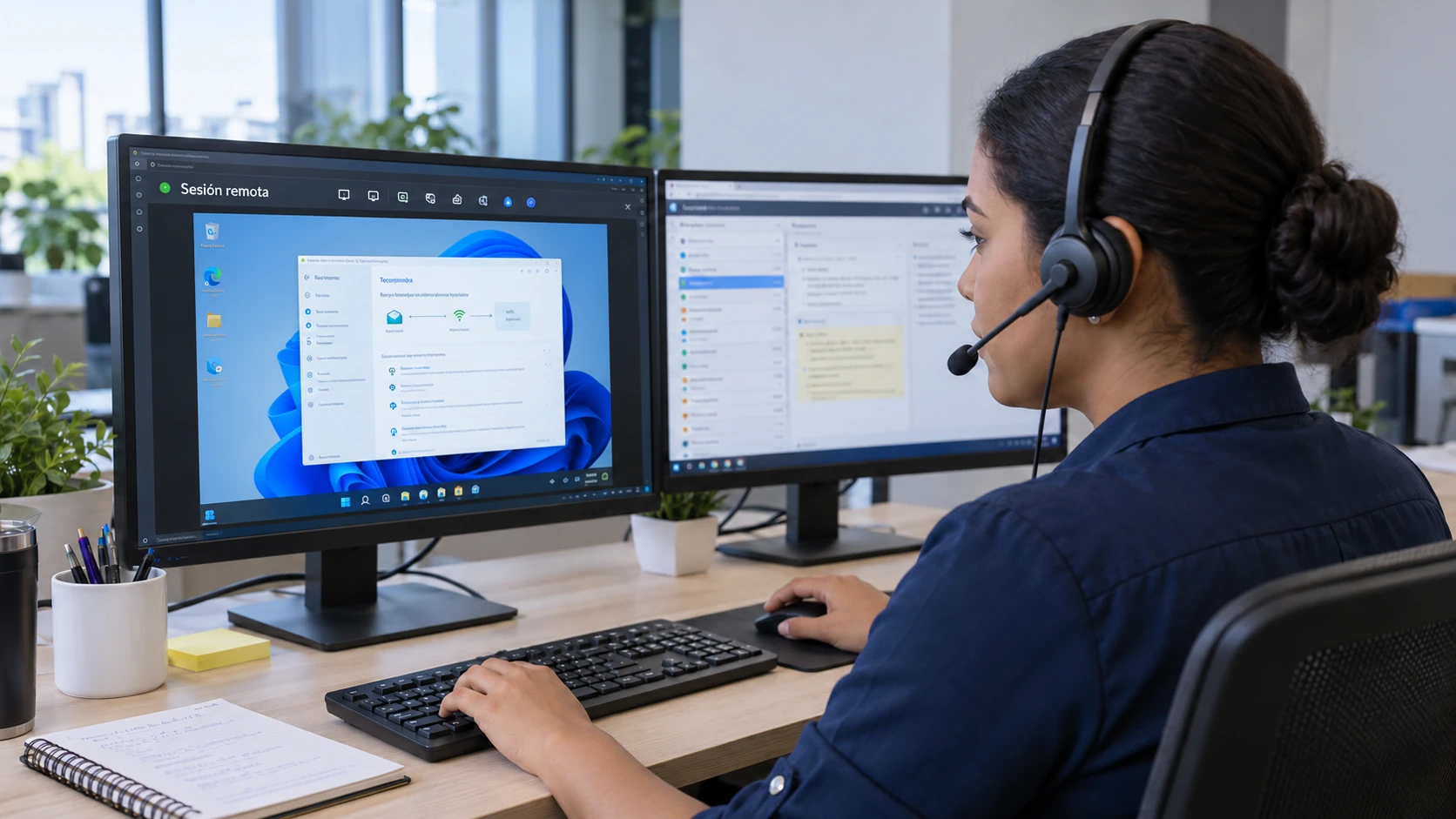
Support technician wearing a headset runs a remote session and views a customer's Windows desktop on their monitor

Remote support for your company.

Download the portable Windows application and arrange a session with a TESERCOM technician. The support network configuration is included.

Three steps to get help.

Download the application

Your browser will save the RustDesk executable for Windows. Keep this page open while you talk to your technician.

Download for Windows ↗
Open the file

The application is portable: it needs no installation or network changes.

Share your ID

Give the technician the ID shown and accept the connection request when they confirm it.

You stay in control.

  • Accept connections only from your TESERCOM technician.
  • Do not share your ID with people you do not know.
  • The session requires the application to be open and your approval.
  • When the assistance ends, close RustDesk.
  • The file does not install permanent services.
Compatible with 64-bit Windows 10 and Windows 11. Version 1.4.9 · 64-bit · 23.3 MB. RustDesk is a remote access application. Privacy information.

Need help with the download?

Contact TESERCOM to ask about the next step.

Open a support ticket ↗